Privacy guide
HEIC Metadata and Privacy: What Your Photo Can Reveal
Understand location, device, and capture metadata—and decide what to keep before sharing a converted image.
What metadata may contain
A photo can contain capture date and time, camera model, lens and exposure information, orientation, and GPS coordinates. The exact fields depend on the device, settings, edits, and transfer method.
Metadata is not always harmful: dates and camera information can help catalog a library. Location data becomes a concern when a public image could reveal a home, workplace, school, or private routine.
What this converter does
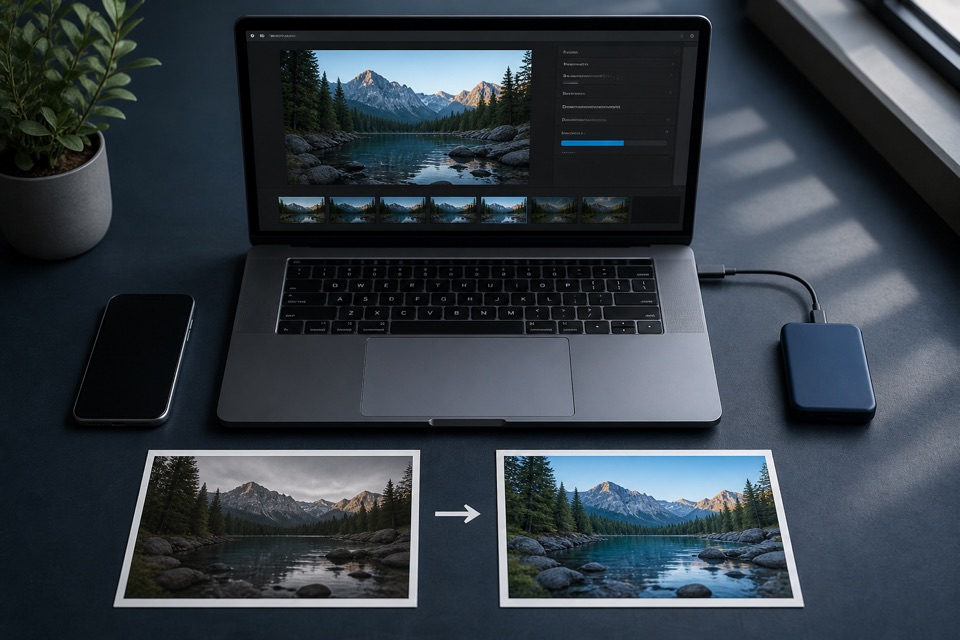
HEICtoJPEG decodes the selected image and creates a new JPEG in your browser. It does not intentionally copy the source EXIF block into the generated file. The conversion itself runs on your device and does not upload the selected photo to a conversion server.
Keep the HEIC original if you need its metadata later. Metadata behavior can differ across apps, so inspect the actual file you plan to share when the stakes are high.
A practical sharing checklist
- Keep an untouched original in a private, backed-up location.
- Review location information before posting publicly.
- Share a derivative copy rather than the only original.
- Open the final JPEG in a metadata inspector if exact removal must be verified.
Sources and further reading
We use primary technical documentation for the claims in this guide.
Ready when you are
Convert your HEIC files privately
No uploads, no account, and no software to install.