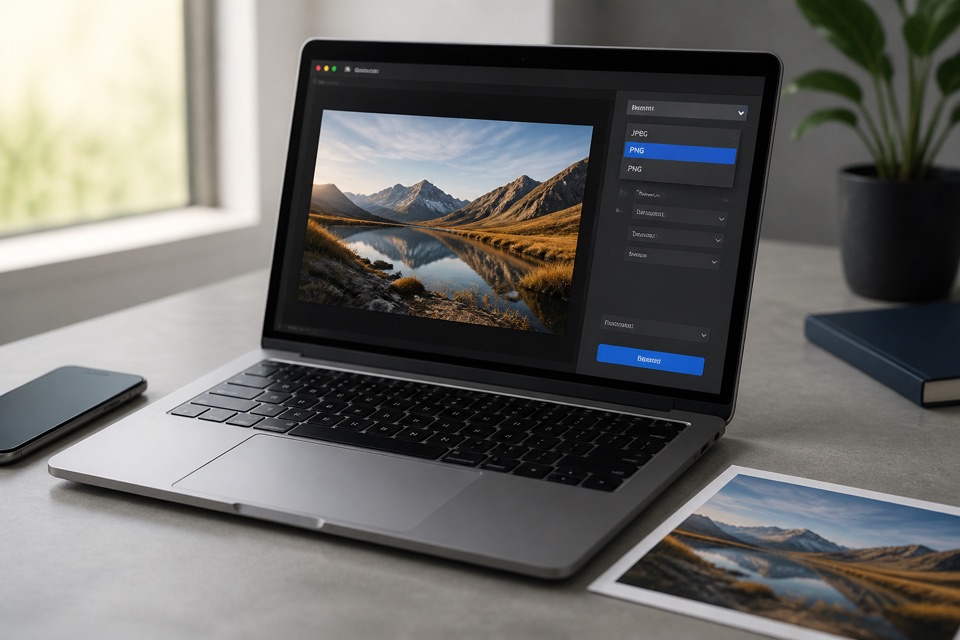
How to Convert HEIC to JPEG Without Unnecessary Quality Loss
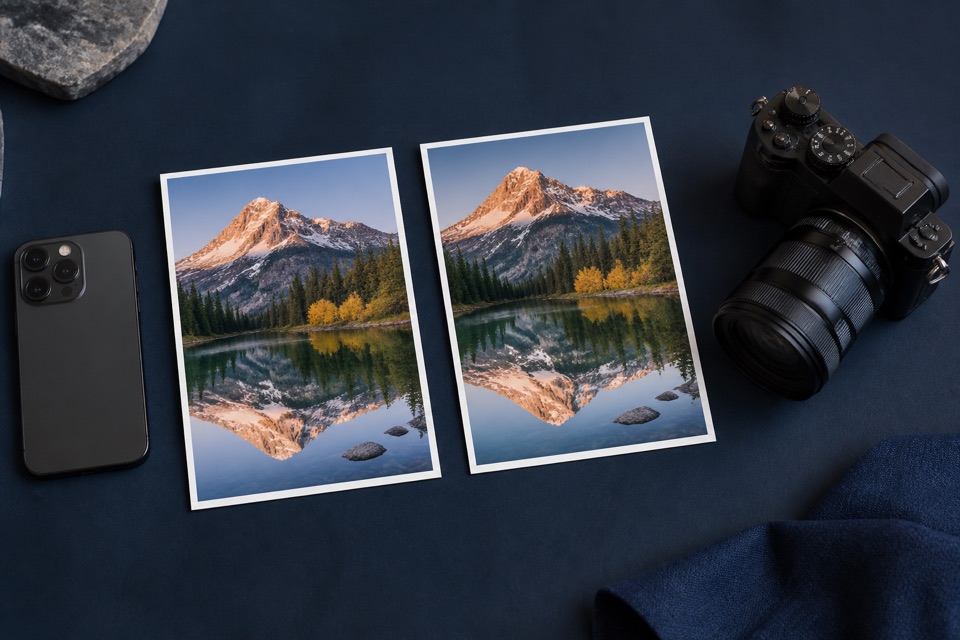
A practical guide to choosing JPEG quality, preserving dimensions, and checking the result after HEIC conversion.
Read articleClear, tested walkthroughs for converting, opening, comparing, and managing HEIC photos across iPhone, Mac, Windows, and the web.
8 guides available
A practical guide to choosing JPEG quality, preserving dimensions, and checking the result after HEIC conversion.
Read articleCompare HEIC and JPEG for storage, editing, sharing, uploads, and long-term compatibility.
Read articleUse Windows Photos, install official extensions, export from an Apple device, or create a compatible JPEG copy.
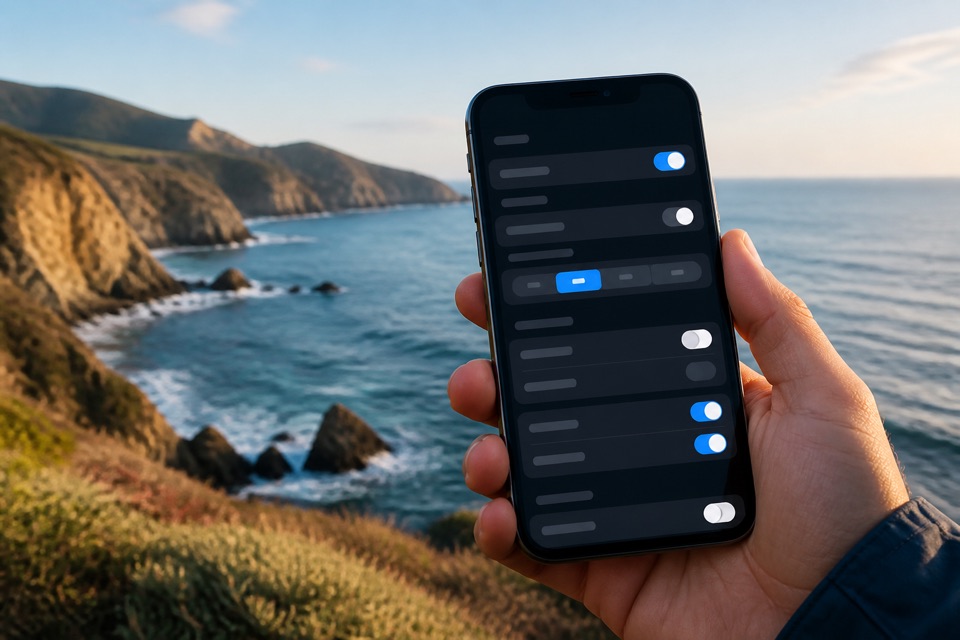
Read articleLearn why iPhones save HEIC photos, when to choose Most Compatible, and how transfer settings affect exported files.
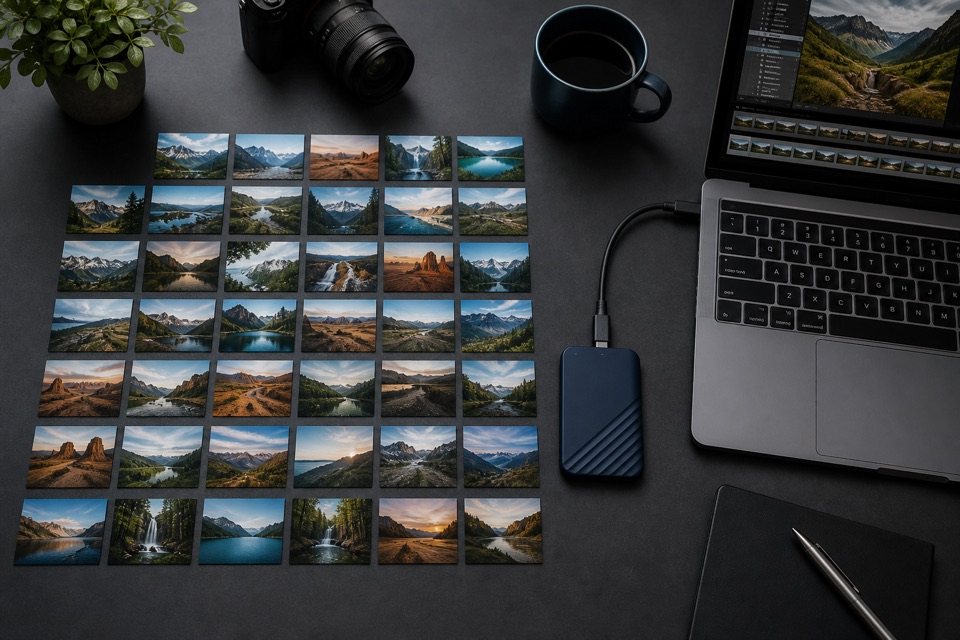
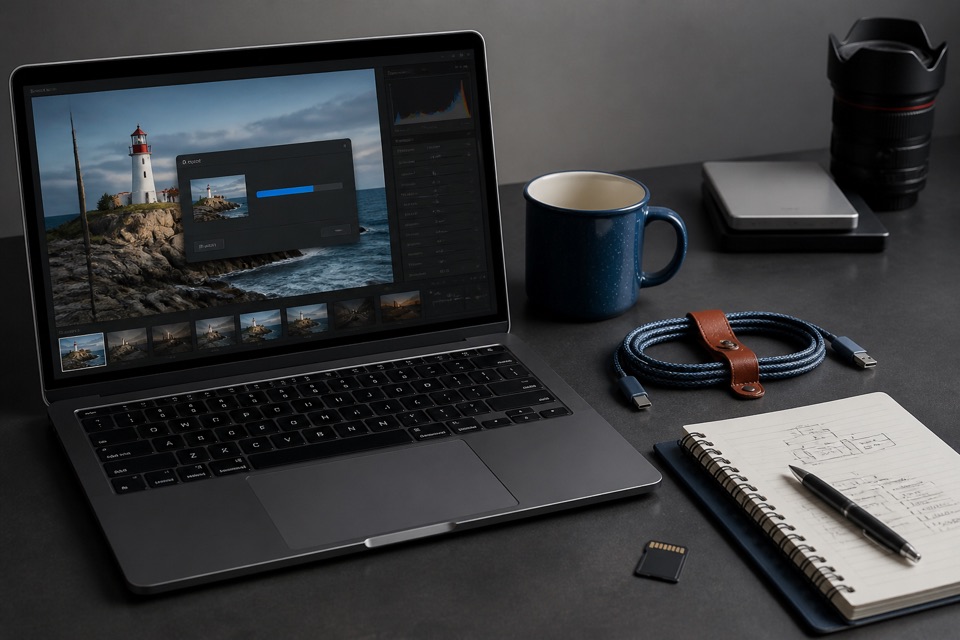
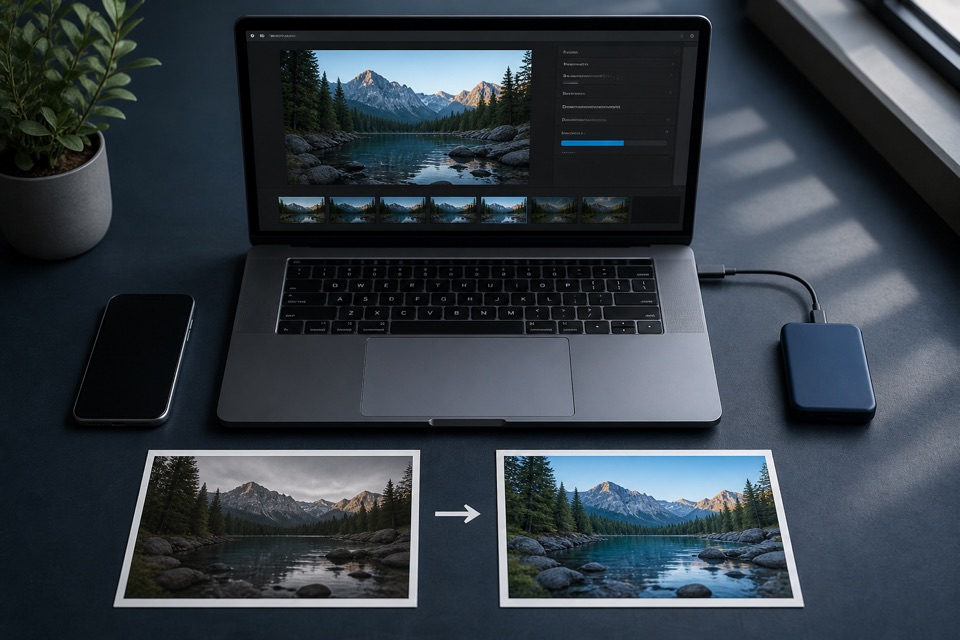
Read articleA reliable batch workflow for preserving originals, checking quality, controlling dimensions, and organizing JPEG output.
Read articleUse Preview, Photos, Finder Quick Actions, or a private browser converter to create compatible JPEG copies on macOS.
Read articleUnderstand location, device, and capture metadata—and decide what to keep before sharing a converted image.
Read articleTroubleshoot damaged files, unsupported HEIF variants, memory limits, incorrect extensions, and browser conversion failures.
Read articleConvert HEIC files to JPEG directly in your browser.